Raiseexamscores in
Problemset
Schools
Courses
Instructors
Schedules
Donate
Register Now
Login
IIT
+
IIT Mains Exam Tournaments
IIT Advanced Exam Tournaments
Computer Programming
+
Computers Programming - Math Level 1 | Introduction of Programming
High School
+
Calculas
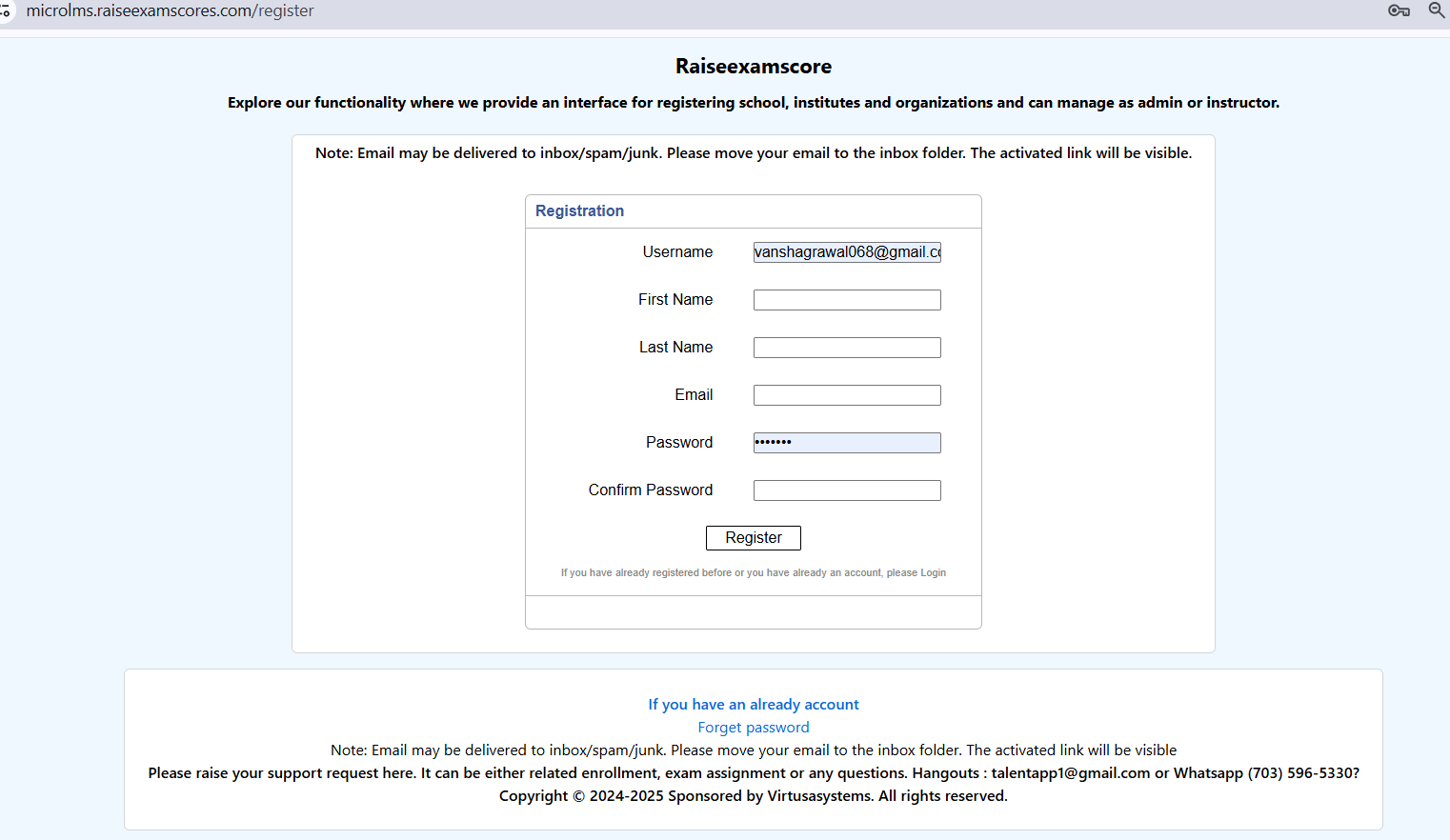
Steps to Create Your School
1. Go to our registration page by clicking
Register Now
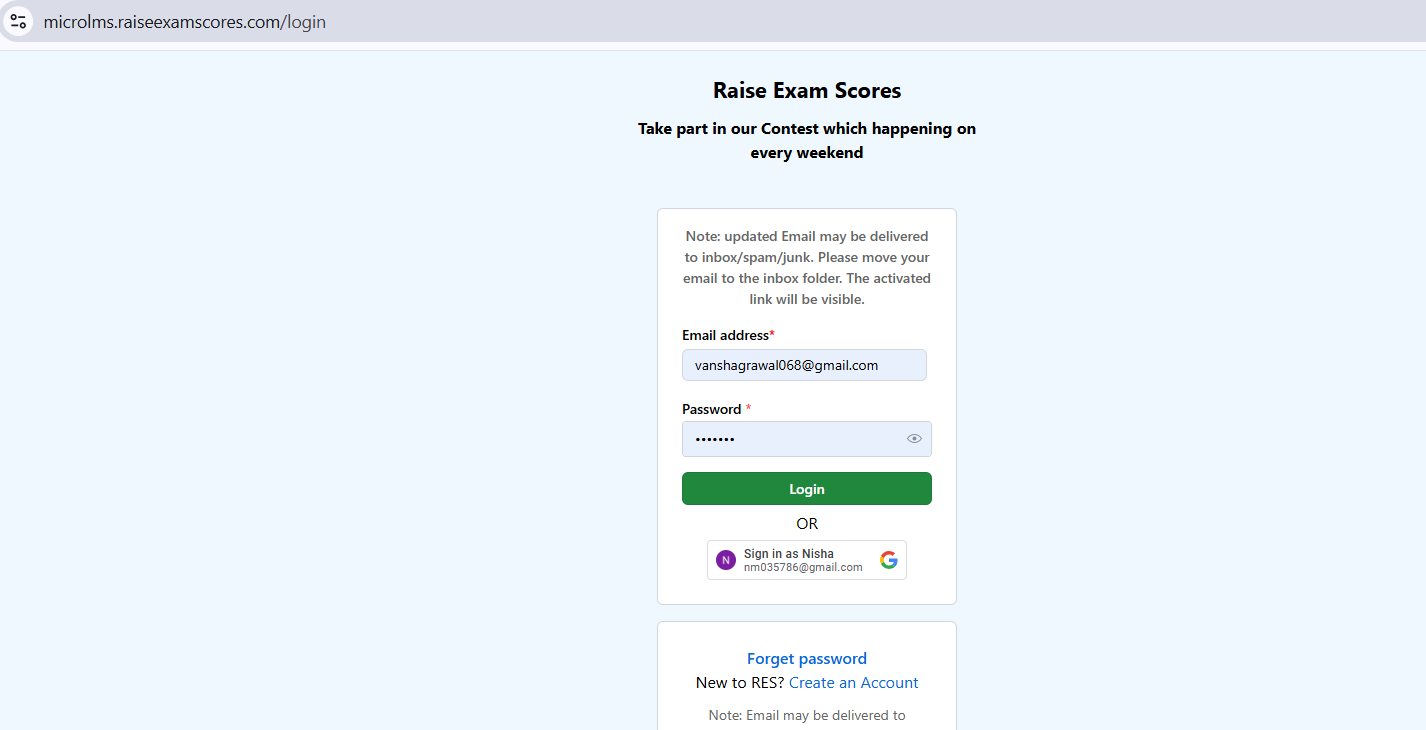
2. After doing the registration, log in to the website.
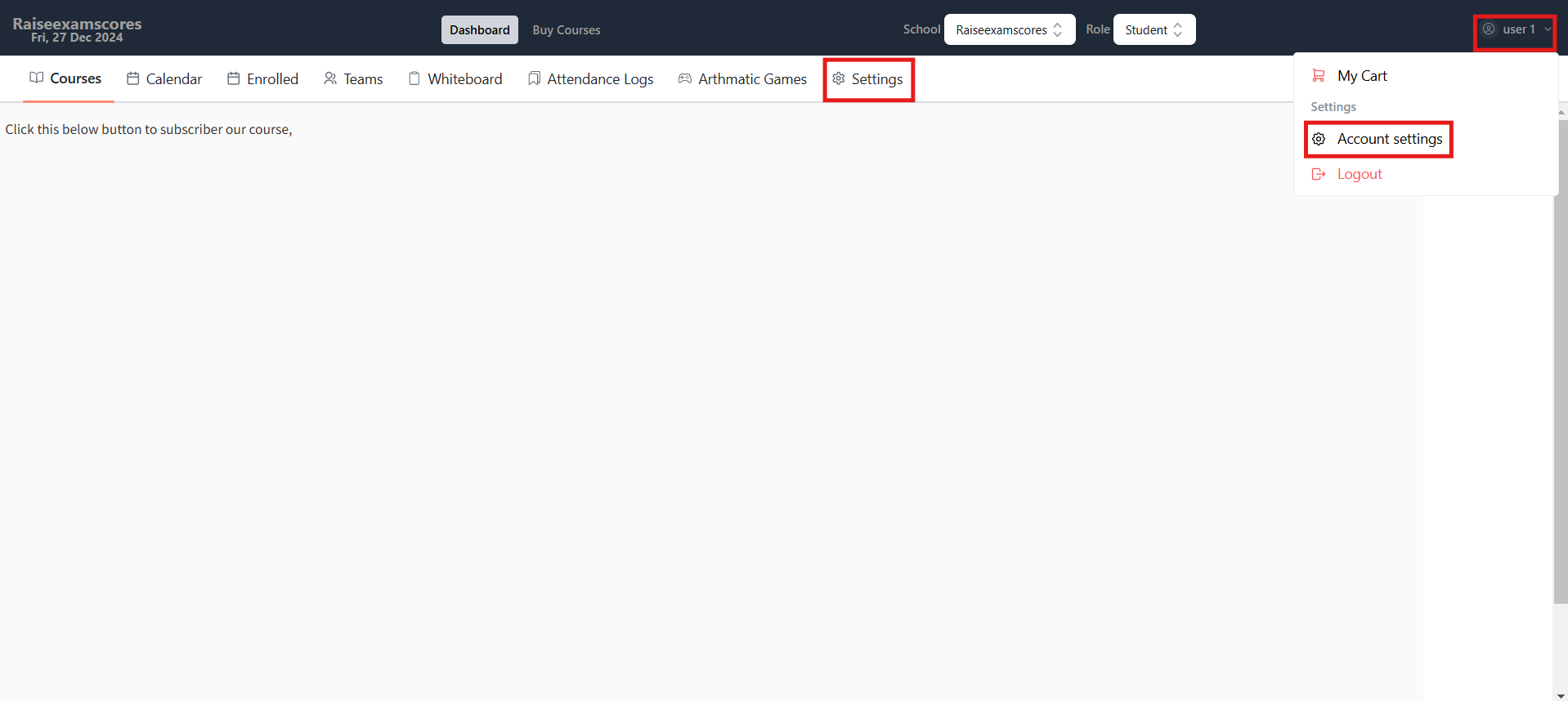
3. Now go to your account settings by either going to your profile or by clicking the
Settings
option.
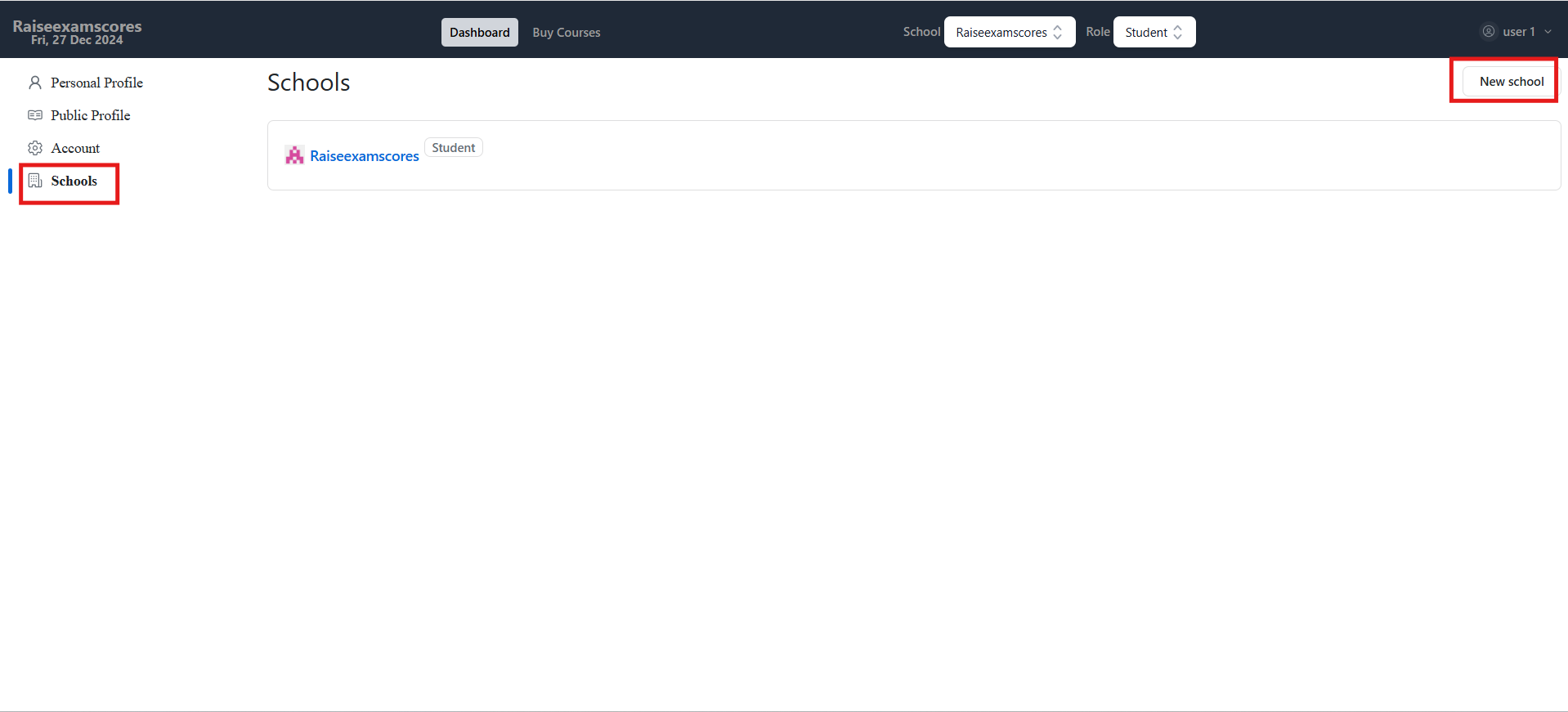
4. Go to the
Schools
option and click
New School
.
5. Fill up the details and hit
Create
, and then you will be able to see your school in the school section.
Steps to Add Users to Your School
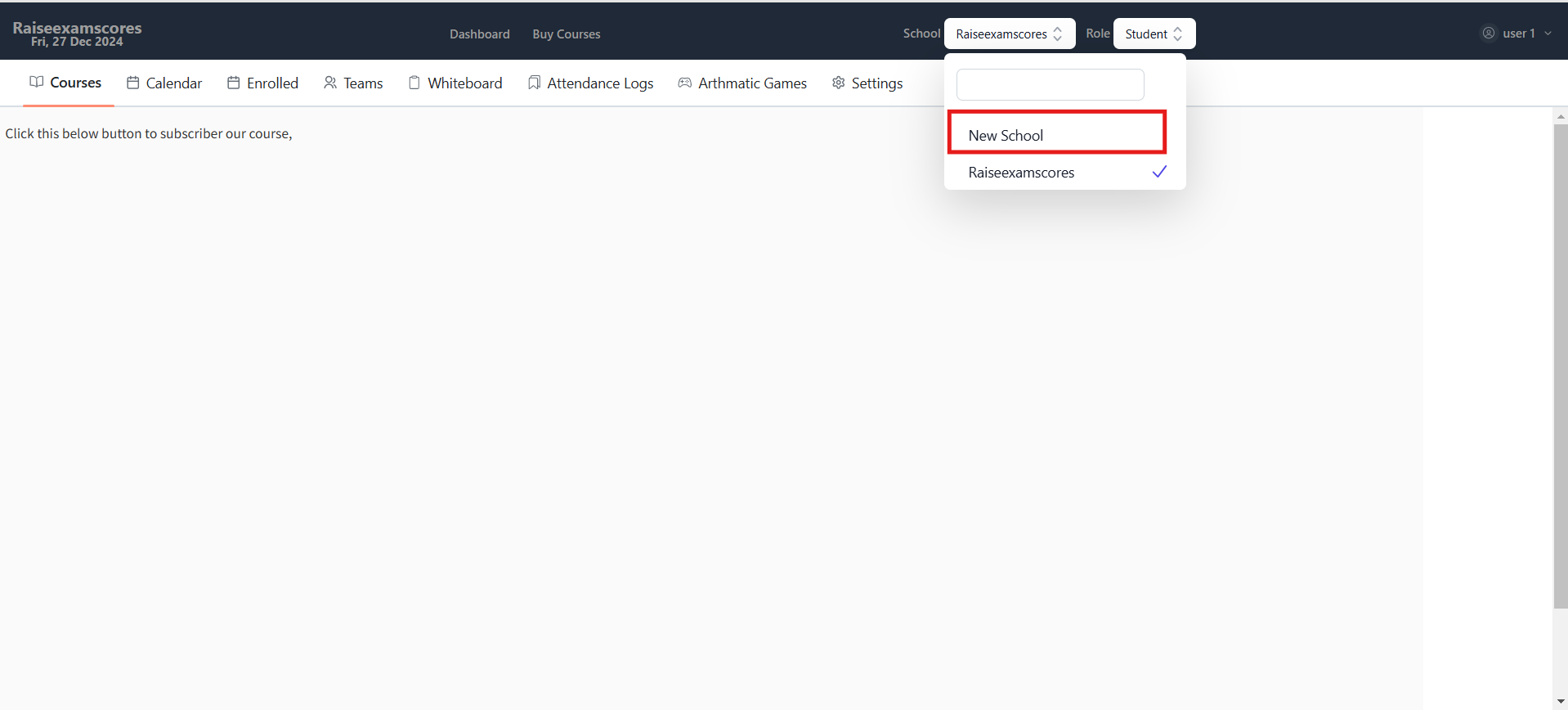
1. Select your school in the
School Dropdown
.
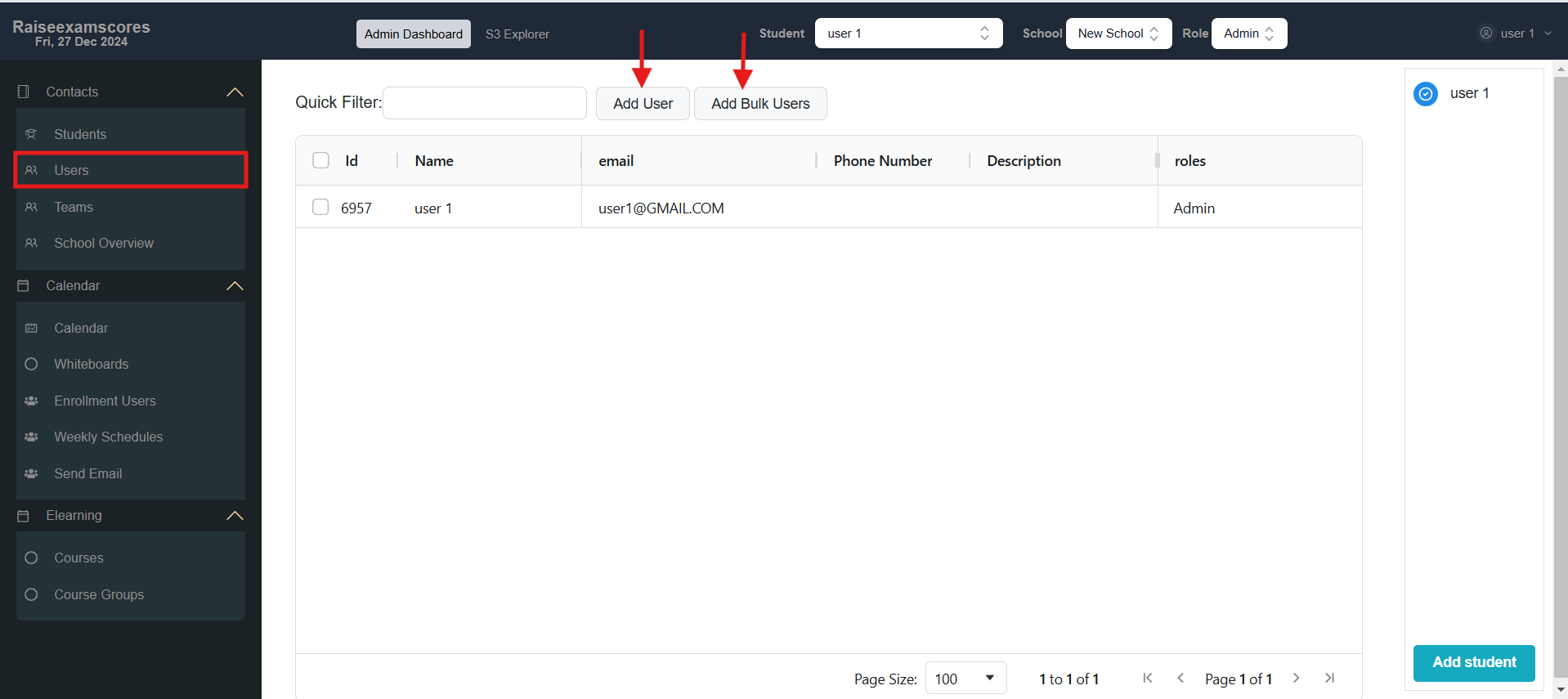
2. Go to the
Users
tab and use
Add User
or
Add Bulk Users
.
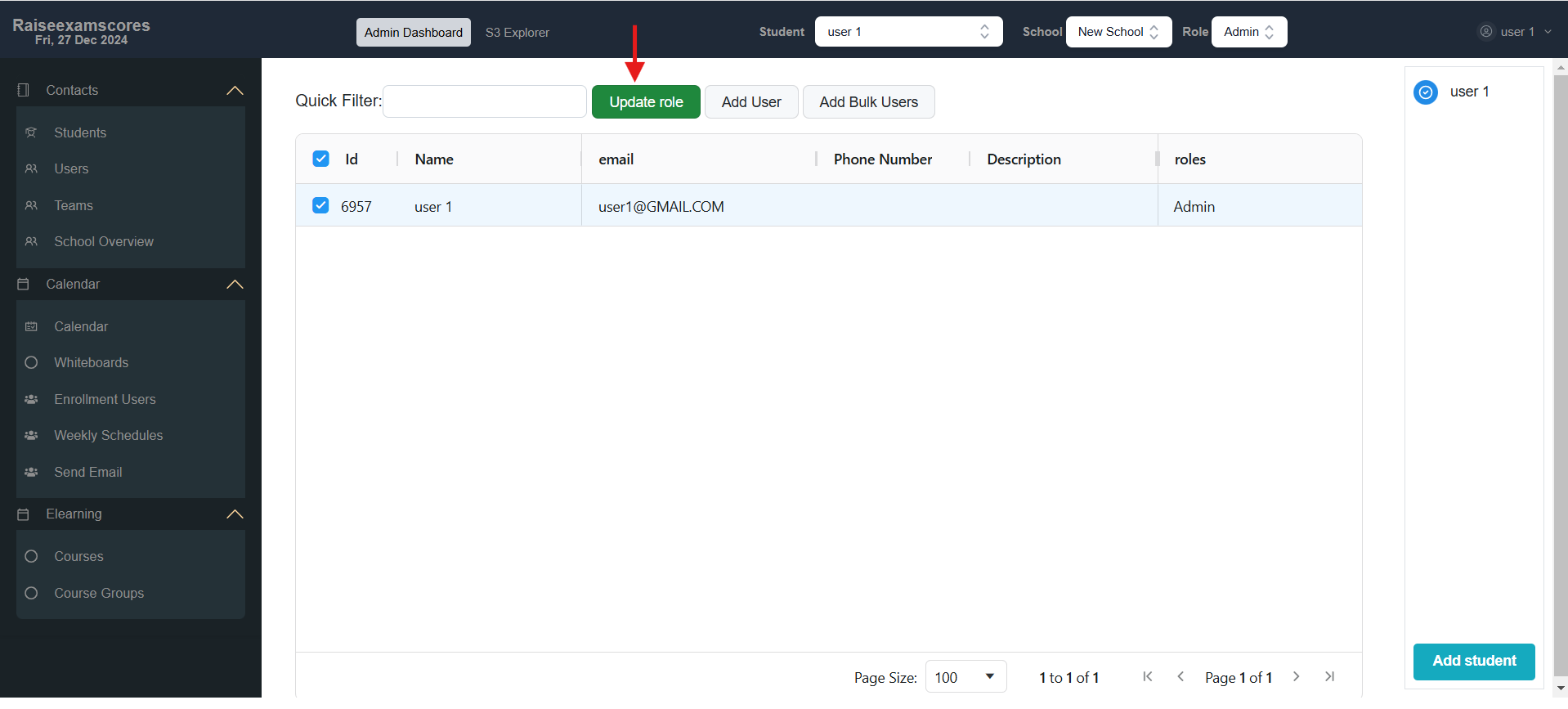
3. Now you can select users and click
Update Role
and choose the role you want to update for the user.
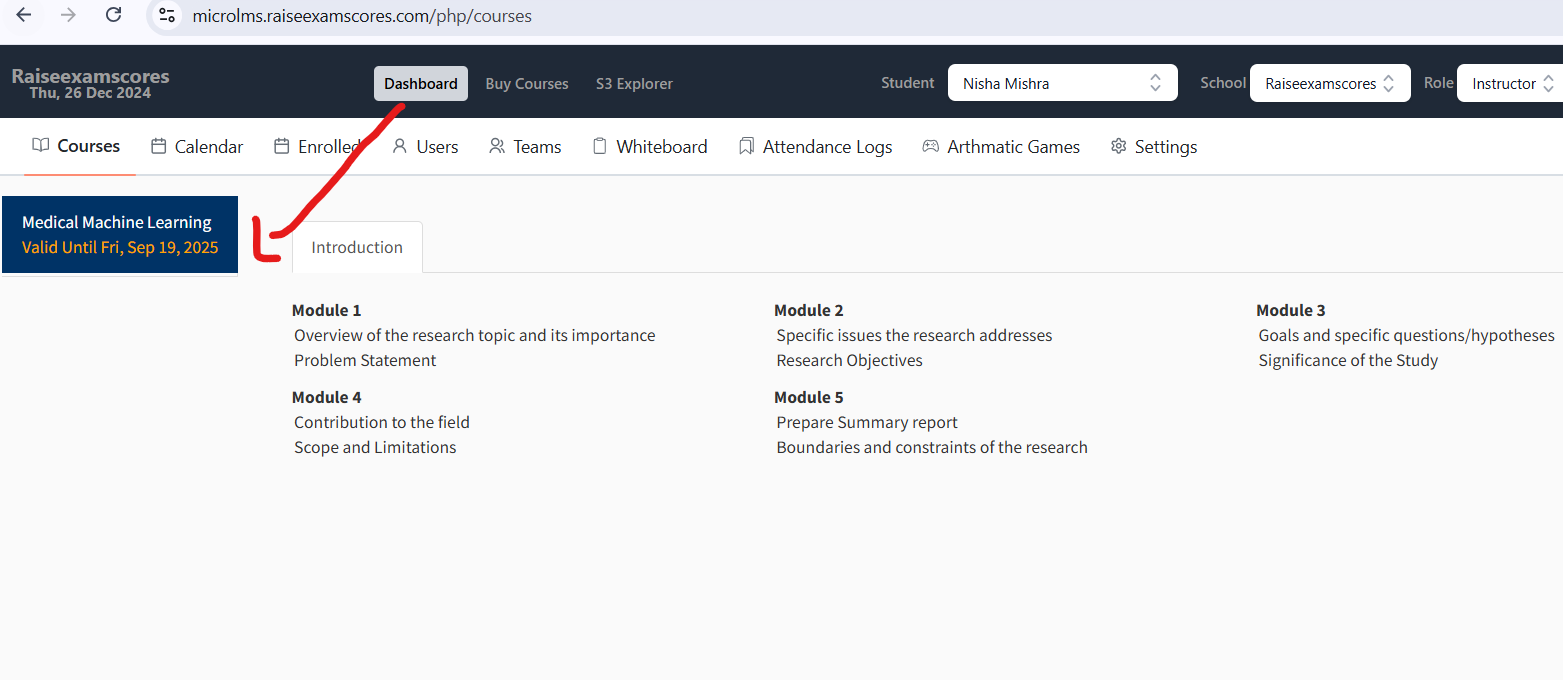
How to Add or Enroll in a Course
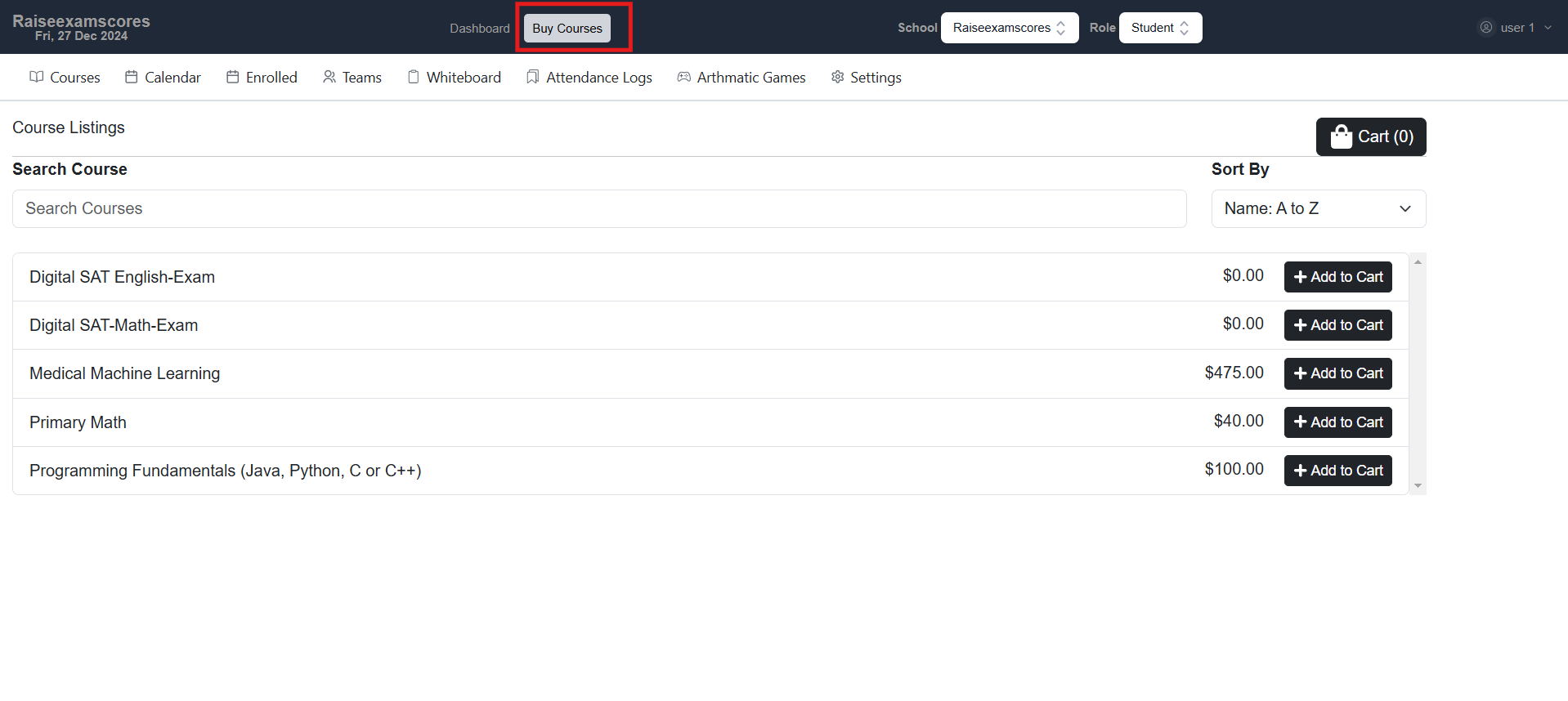
1. Go to the
Buy Course
tab, where you can purchase your desired course. .
2. After completing the purchase, the course will appear on your dashboard.
3. Once it appears, you can start your class.